NestWave Systems Book an install

Austin, Texas · Smart home systems

One hub. A whole sky of devices.

NestWave Systems builds a single point of light for the home — one hub that keeps thermostats, cameras, lighting and sensors in the same orbit, installed and supported across Austin.

NESTWAVE HUB THERMOSTATS CAMERAS LIGHTING SENSORS

The hub at centre · four device families in orbit

The ecosystem

Four families. One orbit.

Every NestWave device is built to be read by the hub first. Add one, and the map redraws around it — nothing stranded on its own app.

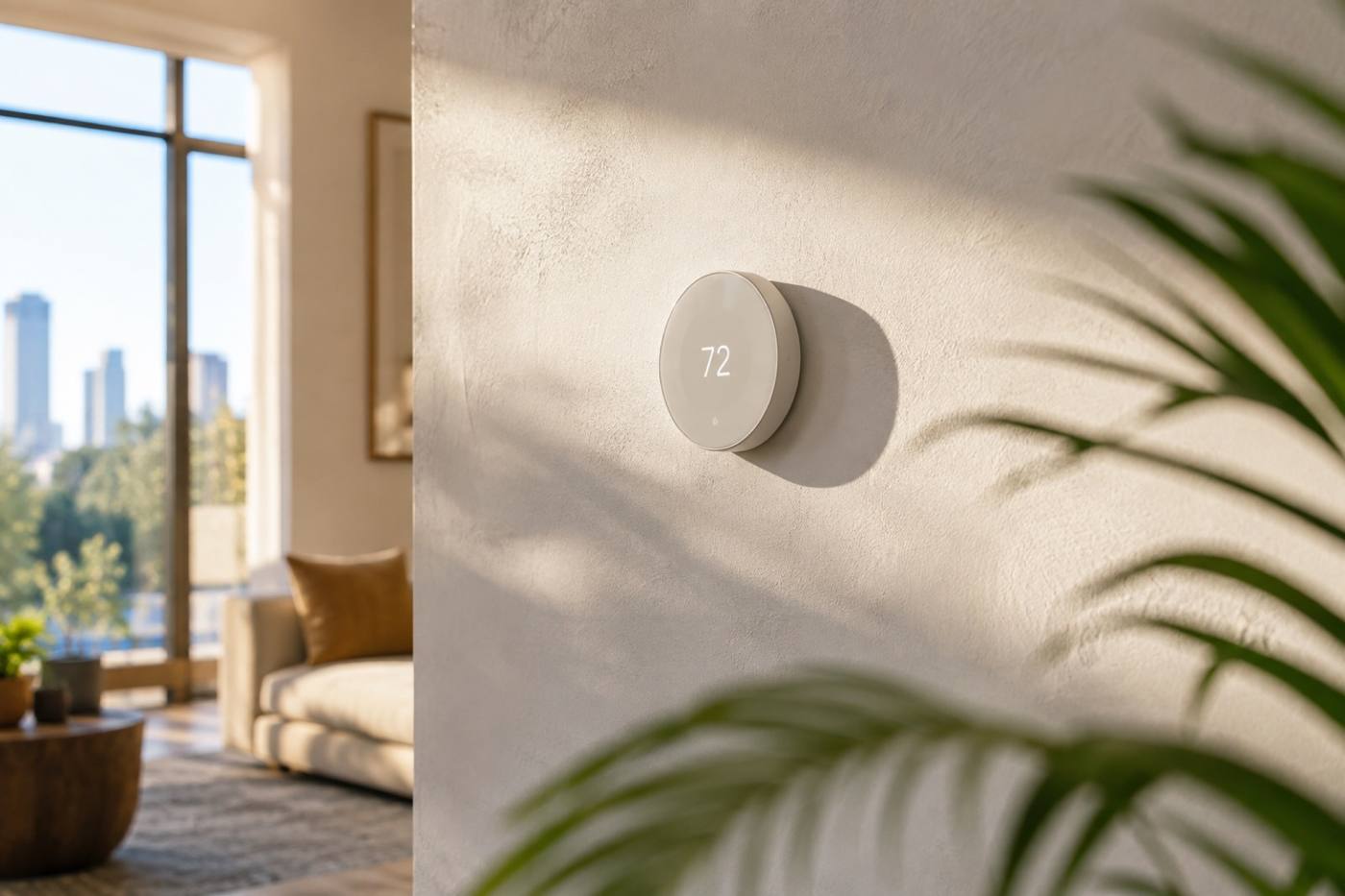
A slim smart thermostat mounted on a pale wall in a sunlit room
Climate · wall-mounted thermostat
01

Climate that holds its own.

A smart thermostat reads the room and keeps the house where you left it. Set it at the wall, from the app or by voice — the hub keeps it in step with everything else on the map.

  • Room-level temperature awareness
  • Schedules you can override from anywhere
  • Managed beside cameras and lighting, not apart from them
02

Eyes on the perimeter.

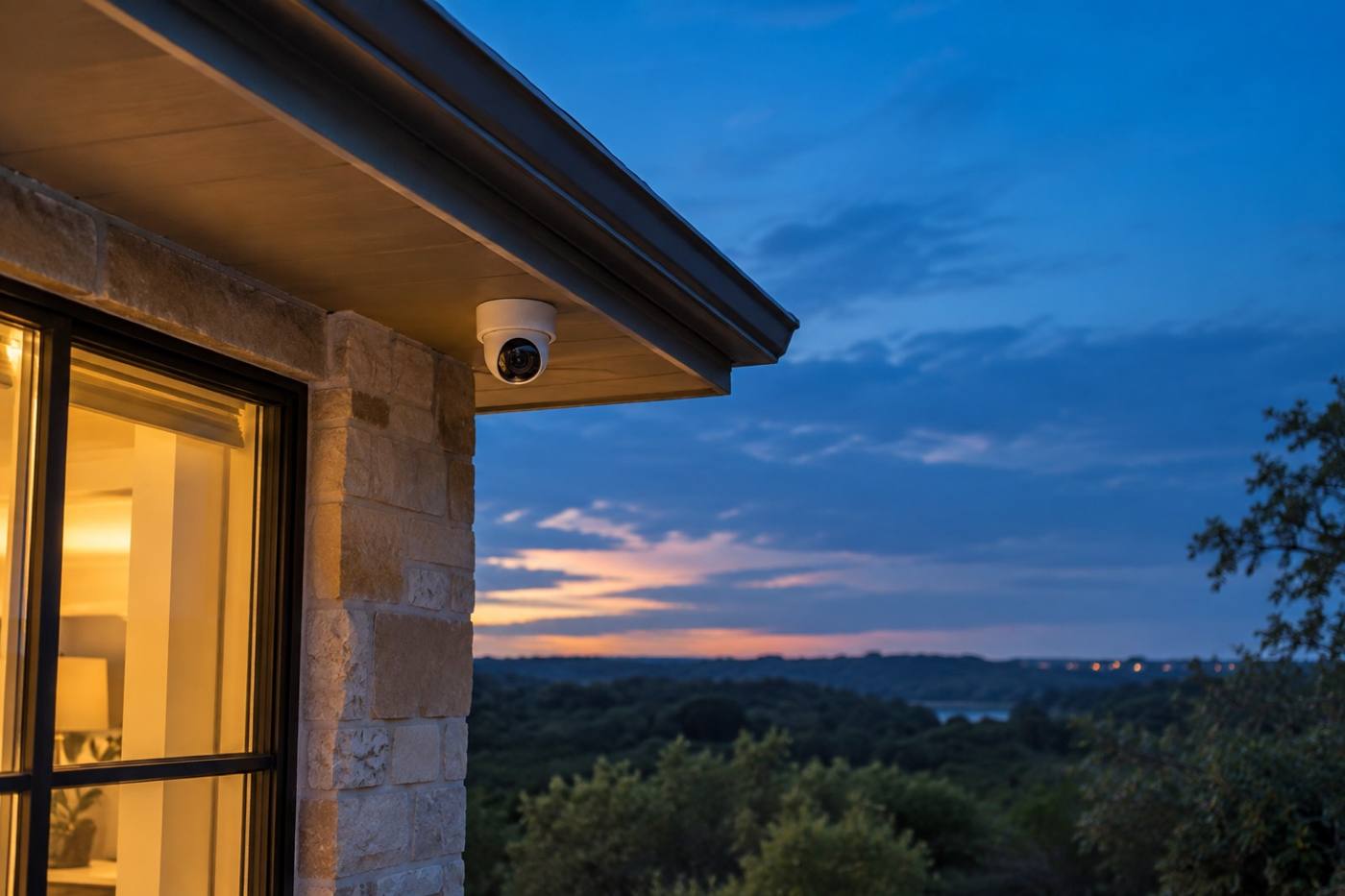
Security cameras cover the doors, the drive and the back of the house, and report back to the hub — so you are not juggling four different apps to see one garden.

  • Exterior and interior coverage
  • Live view and clips in a single place
  • Mounted and aimed by our installers
A small security camera under a porch eave at dusk
Security · exterior camera
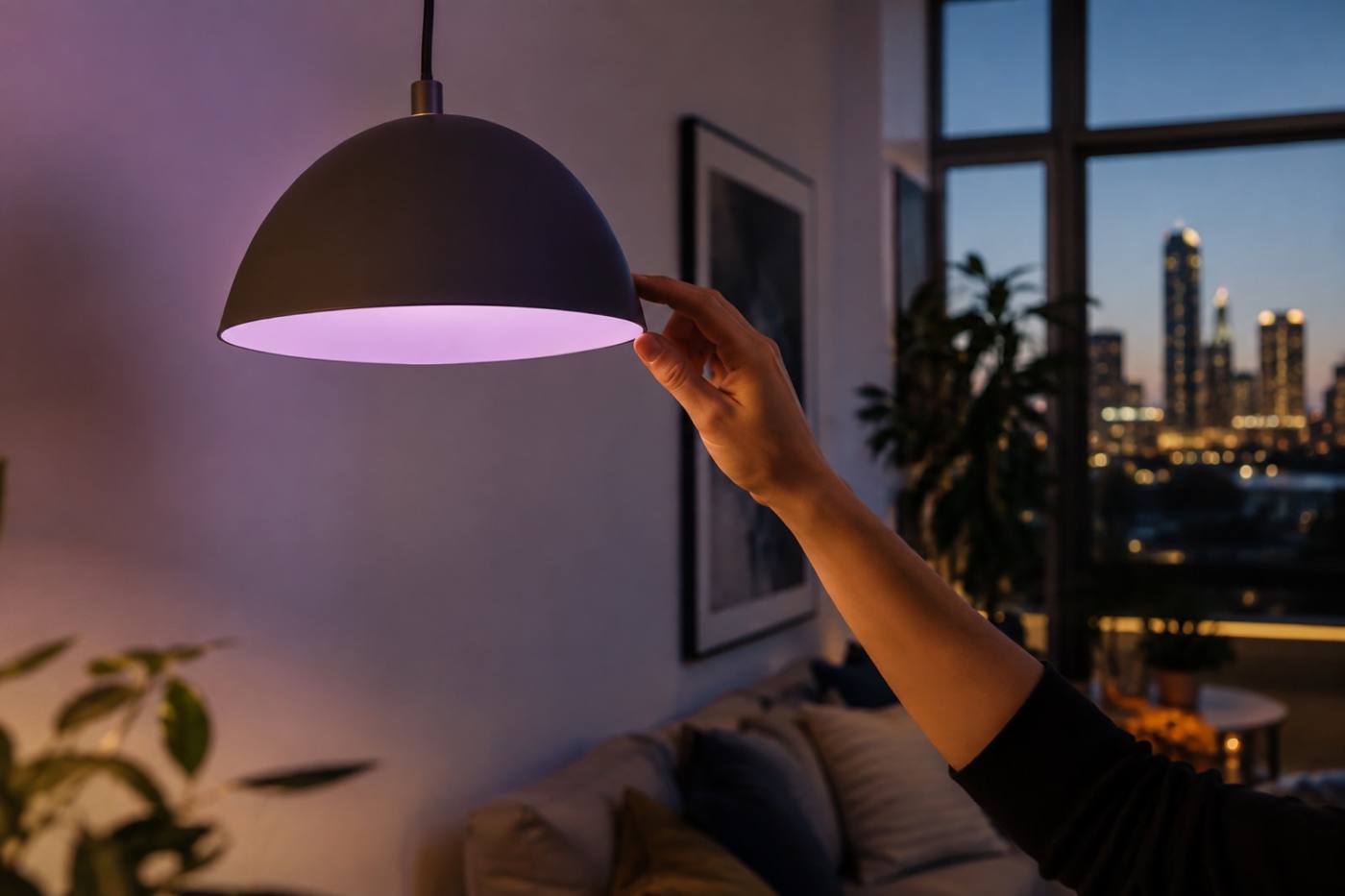
A hand dimming a pendant light in a modern living room
Lighting · voice-controlled dimming
03

Light that answers.

Voice-controlled lighting across the rooms you actually use — scenes for dinner, for work, for the walk to the kitchen at midnight, all held in the same orbit as the rest of the house.

  • Voice control room by room
  • Scenes and dimming on a schedule
  • Switches that still work by hand

The hub · Installation

Everything orbits the hub.

The home automation hub is the fixed point: it speaks to the thermostat, the cameras, the lighting and the sensors, and holds them in one place. Add a device and it joins the map rather than starting a new one.

  1. 01

    We walk the house

    We look at the rooms, the entries and the dead spots before anything is fitted.

  2. 02

    We mount and pair

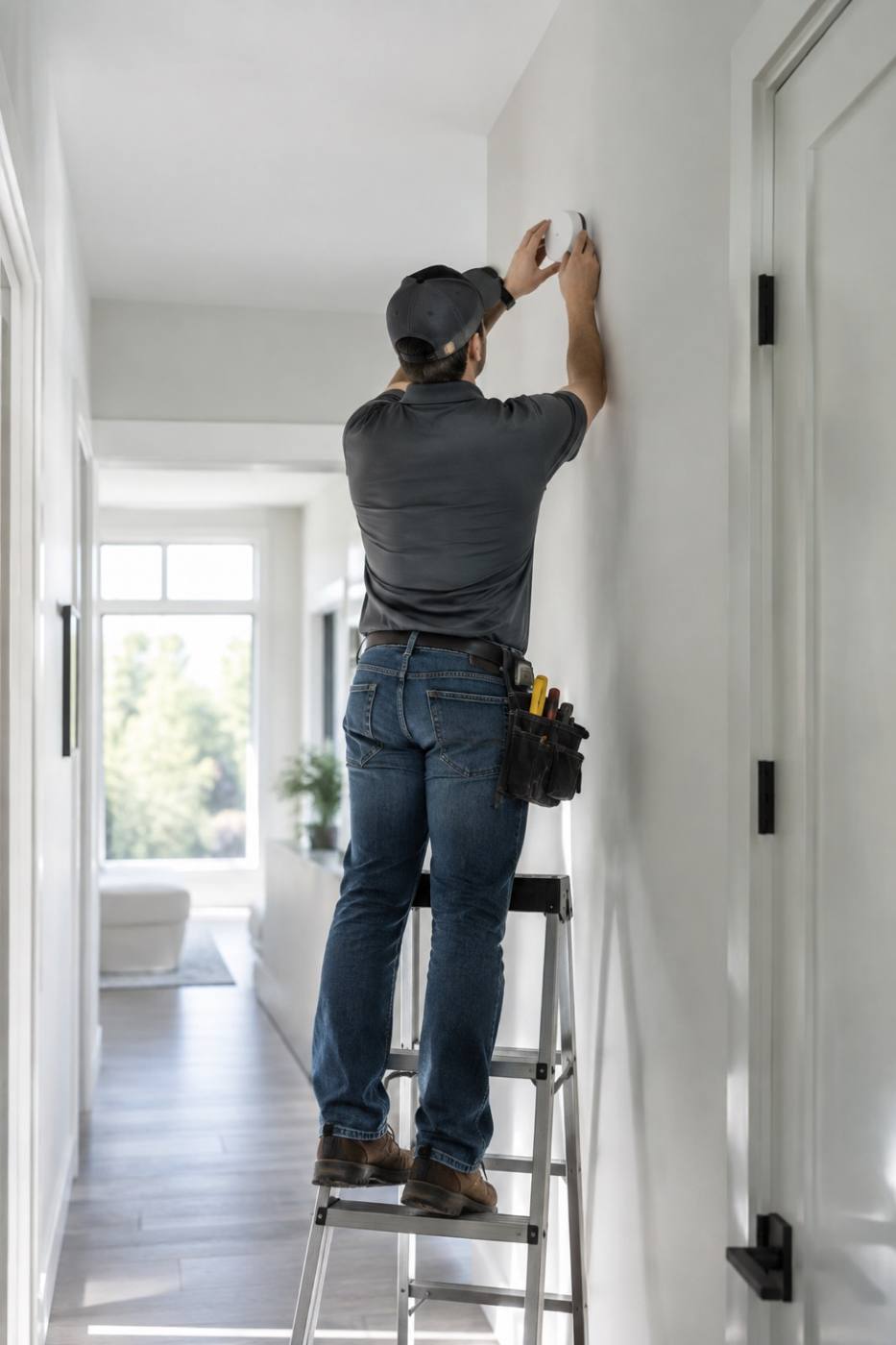
    Thermostat, cameras, lighting and sensors are installed, aimed and connected to the hub.

  3. 03

    We stay on the map

    Installation services are available across Austin, and support stays with the system afterwards.

An installer fitting a small white hub to a hallway wall
Installation · hub fitting

Build your map

Pick the stars you need.

Select the devices you want. The hub keeps them in orbit — and we will come back with a plan and an install slot.

Every NestWave setup starts with the hub. The rest is up to you.

THERMOSTAT CAMERAS LIGHTING SENSORS HUB

For business

Constellations for portfolios.

Property managers, builders and short-stay operators run the same map across many addresses — one hub standard, one installer, one place to call when something needs attention.

  • One device standard across every unit
  • Installation scheduled around your handovers
  • A single support line for the whole portfolio
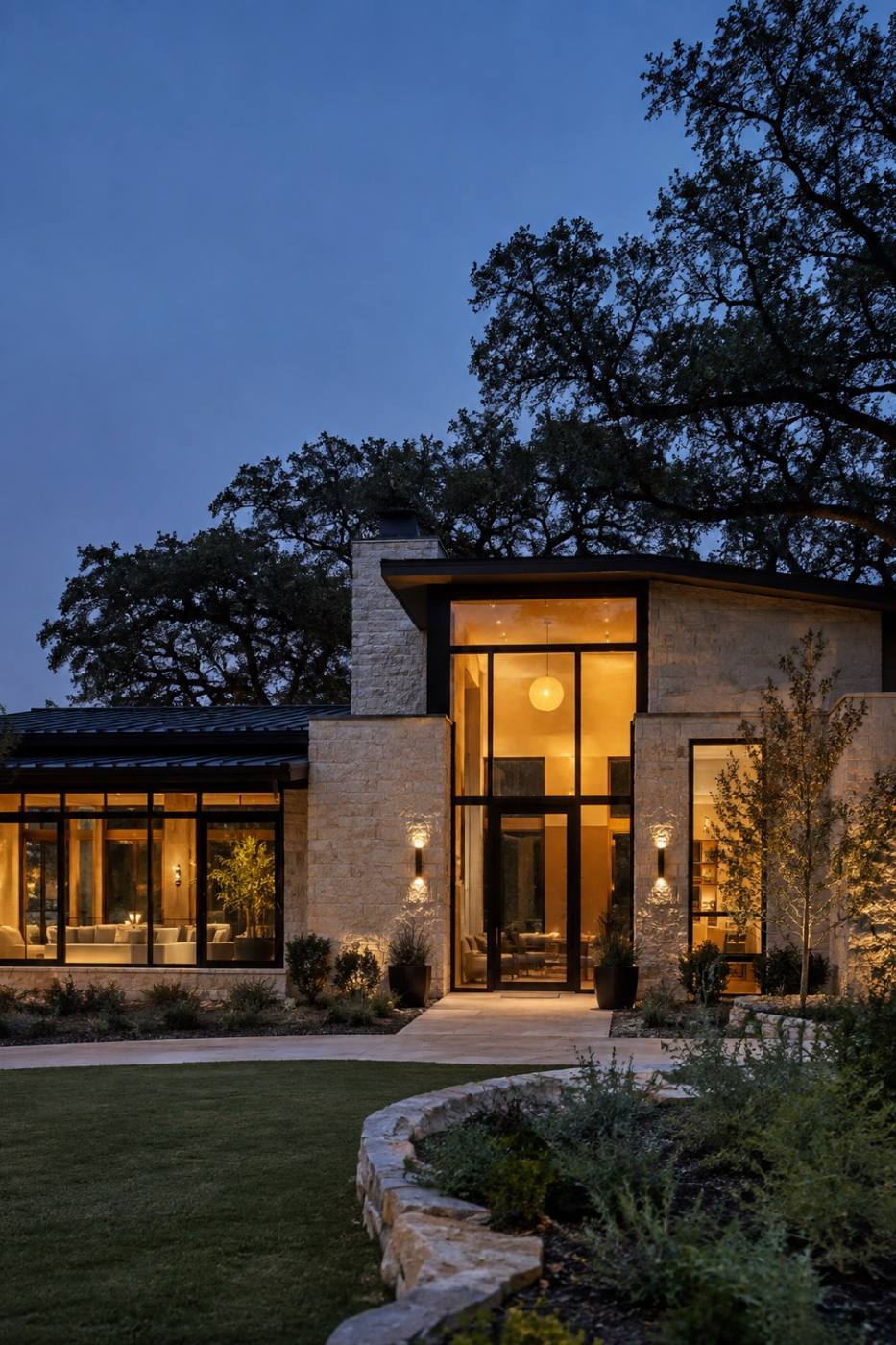
A contemporary Texas home at blue hour with warm light in every window
Portfolio · multi-unit installations

Support

Troubleshooting the night sky.

Most questions come down to a device losing its place on the map. Here is where to start — and how to reach a person when that is not enough.

01A device has dropped off the map.

Most dropouts are power or distance. Check the device has power, then bring it closer to the hub and let it rejoin. If it stays dark, our support team can look at it with you.

02Do you install, or do I?

Both are possible. Installation services are available across Austin — we mount, aim and pair everything to your hub. If you would rather fit it yourself, the hub will walk you through pairing each device.

03Will new devices join my existing setup?

Yes. The hub is the constant; devices join and leave the orbit around it. Add a camera or a set of lights and the rest of the map carries on exactly as it was.

04The whole house went dark after an outage.

Give the hub a minute to come back first — it re-establishes the map on its own, and devices usually rejoin in order of proximity. Anything still missing after that is worth a call.

05How do I reach a person?

Start your map below and tell us what you have, or go back to your installer if you booked through us. Support covers the devices, the hub and the installation.

Get started

Start with one point of light.

Tell us the rooms you want covered and we will map the rest around your hub — devices, installation and support in one plan.