Fathom Audio Austin, Texas Shop the lineup
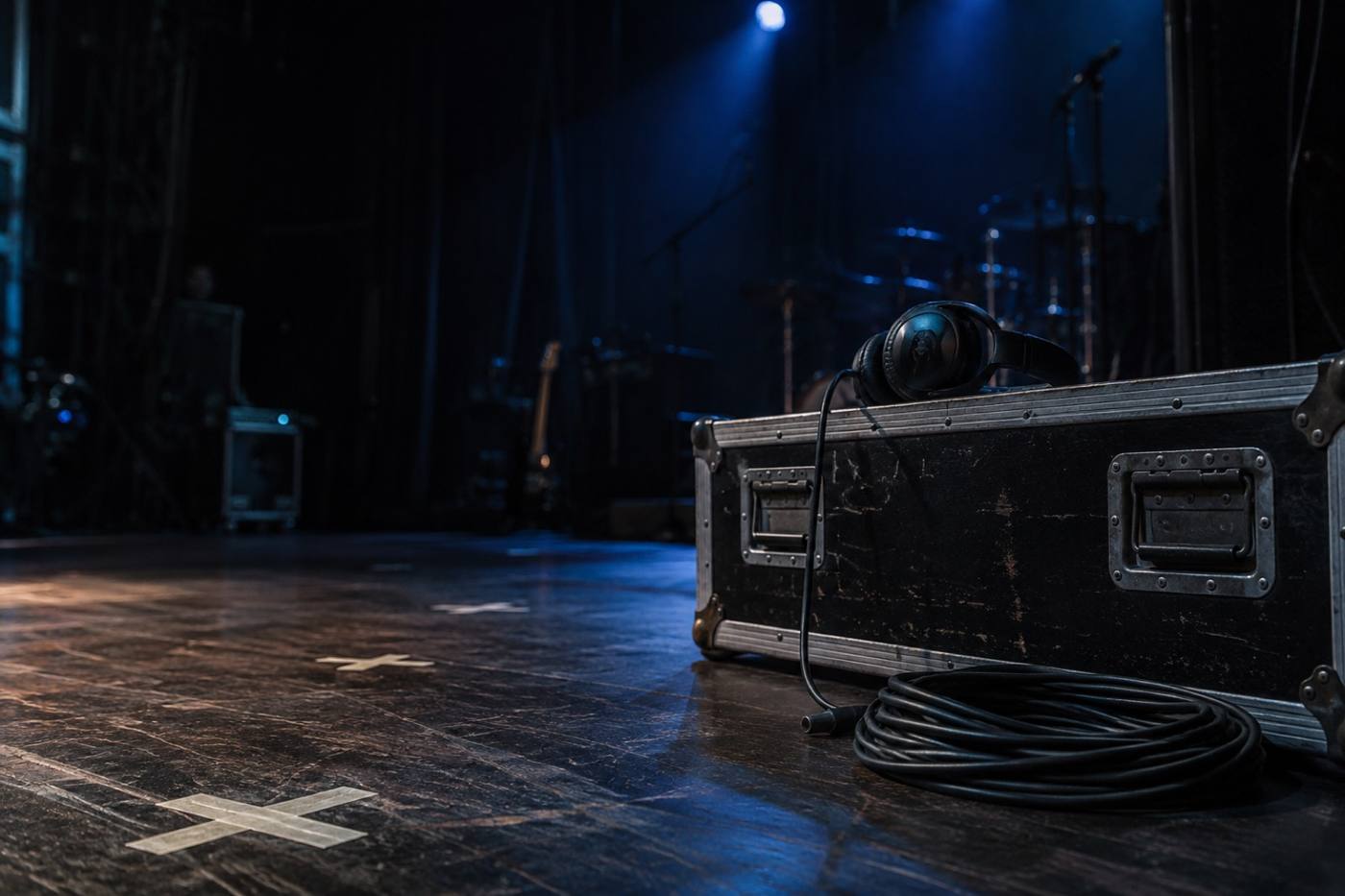
Over-ear headphones resting on a road case under a single blue stage light

Fathom Audio · Austin, Texas

Built for the
long listen.

Over-ear headphones, wireless earbuds, a portable DAC amp, braided USB-C cables and replacement ear pads. Buy the piece you need, or the kit that carries it.

  • Over-ear headphones
  • Wireless earbuds
  • Portable DAC amp
  • Braided USB-C cables
  • Replacement ear pads
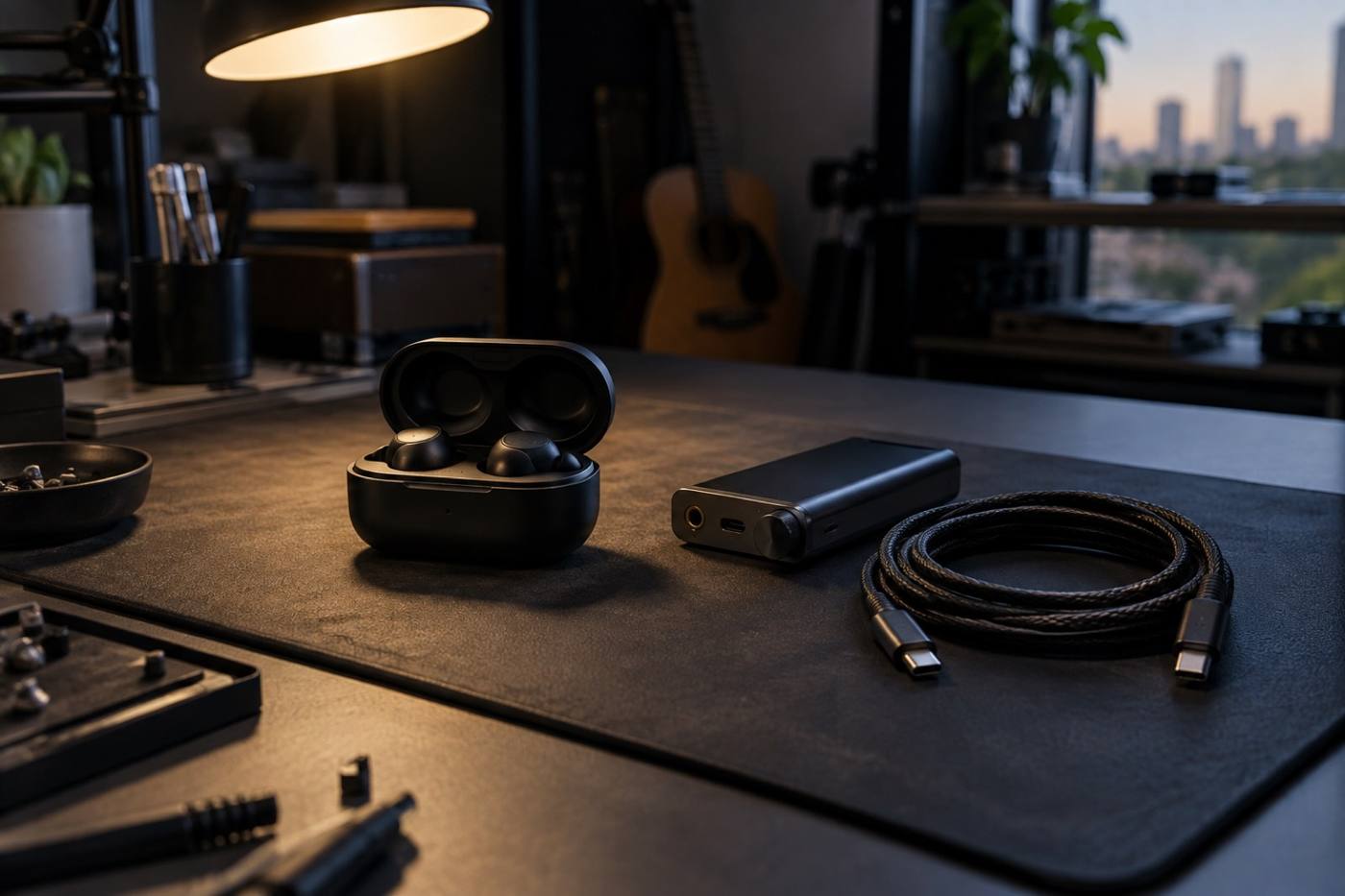
Wireless earbuds, a portable DAC amp and a coiled braided cable laid out on a dark workbench
Wireless earbuds, a portable DAC amp and a coiled braided cable on the bench

The lineup

Five pieces. One kit.

Pick the pair first, then add the parts that keep it in service. Every piece is made to work with the others, so the second purchase is as easy as the first.

  • Over-ear for the desk and the long session. Wireless earbuds for everywhere else.
  • A portable DAC amp for the laptop or phone that never learned to drive a real pair.
  • Cables and ear pads are sold on their own, so a pair you already own stays in use.
  1. 01

    Over-ear headphones

    The pair you sit down with. Full-size, built for long sessions at a desk or on a couch.

    Over-earFull-size
    View specs
  2. 02

    Wireless earbuds

    The pair that leaves the house. Slides into a pocket and comes out on the walk.

    WirelessIn-ear
    View specs
  3. 03

    Portable DAC amp

    Small enough for a bag, made for headphones that ask the laptop for more than it has.

    PortableDesktop & mobile
    Add to kit
  4. 04

    Braided USB-C cables

    Braided so it survives the bottom of a bag, and it stays coiled when you want it to.

    BraidedUSB-C
    Add to kit
  5. 05

    Replacement ear pads

    Swap the pads and a well-used pair comes back to the desk instead of going in a drawer.

    ReplacementSpares
    Add to kit

Compare

Over-ear or in-ear?

Two pairs, one row at a time. Everything that actually differs between them is below — read down the rows and pick the pair that matches how you listen.

Pair A

Over-ear headphones

The pair that lives on the desk and takes the long evening.

Pair B

Wireless earbuds

The pair that lives in a pocket and comes out on the walk.

Format
AFull-size, over-ear
BCompact, in-ear
Fit
APads sit around the ear
BTips sit inside the ear
Connection
ABraided USB-C cable from the kit
B">Wireless, with its own charging case
Where it lives
AOn the desk, on a stand
BIn a pocket or bag
Parts that keep it going
AReplacement ear pads, sold on their own
BA spare braided USB-C cable for the bag
Right call when
AYou are sitting still and listening closely
BYou are moving and still listening

Both pairs run on the same kit. When you are ready to complete either one, start with replacement ear pads and braided USB-C cables — those are the two parts that keep a pair in service longest.

Accessories

Pads wear out. Cables wander off.

Both are cheap to replace and neither should be the reason a pair you like stops getting used. These are the two parts worth adding at checkout.

Replacement ear pads

Cushions flatten with use. A fresh set puts the fit, the seal and the comfort back where they started, on a pair you already know.

Add to kit

Braided USB-C cables

Braided jacket, so it survives a bag. Buy a second one and the desk cable never has to leave the desk.

Add to kit
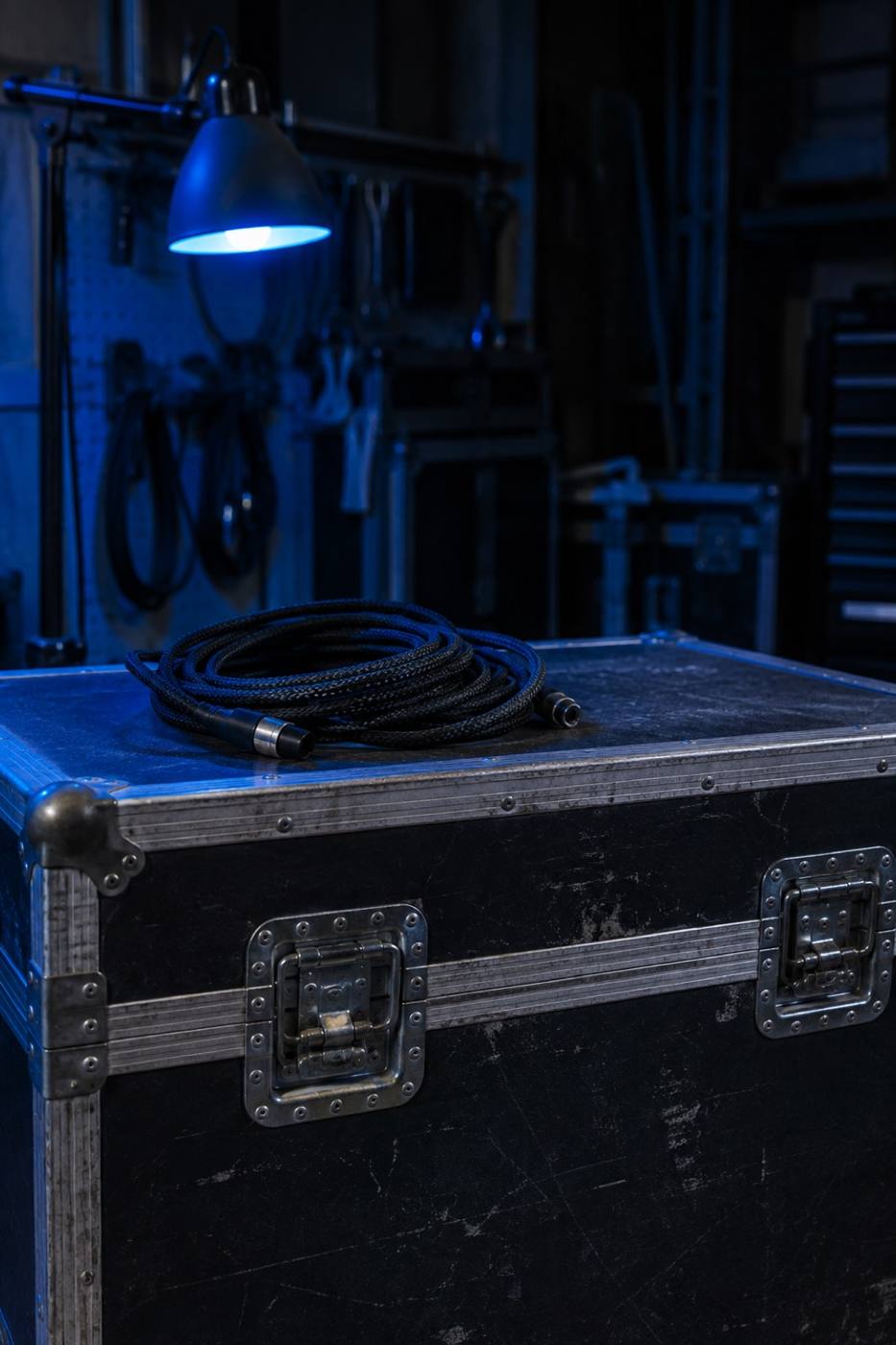
Latches on a black road case with a coiled braided cable resting on top
Braided cable on the case lid
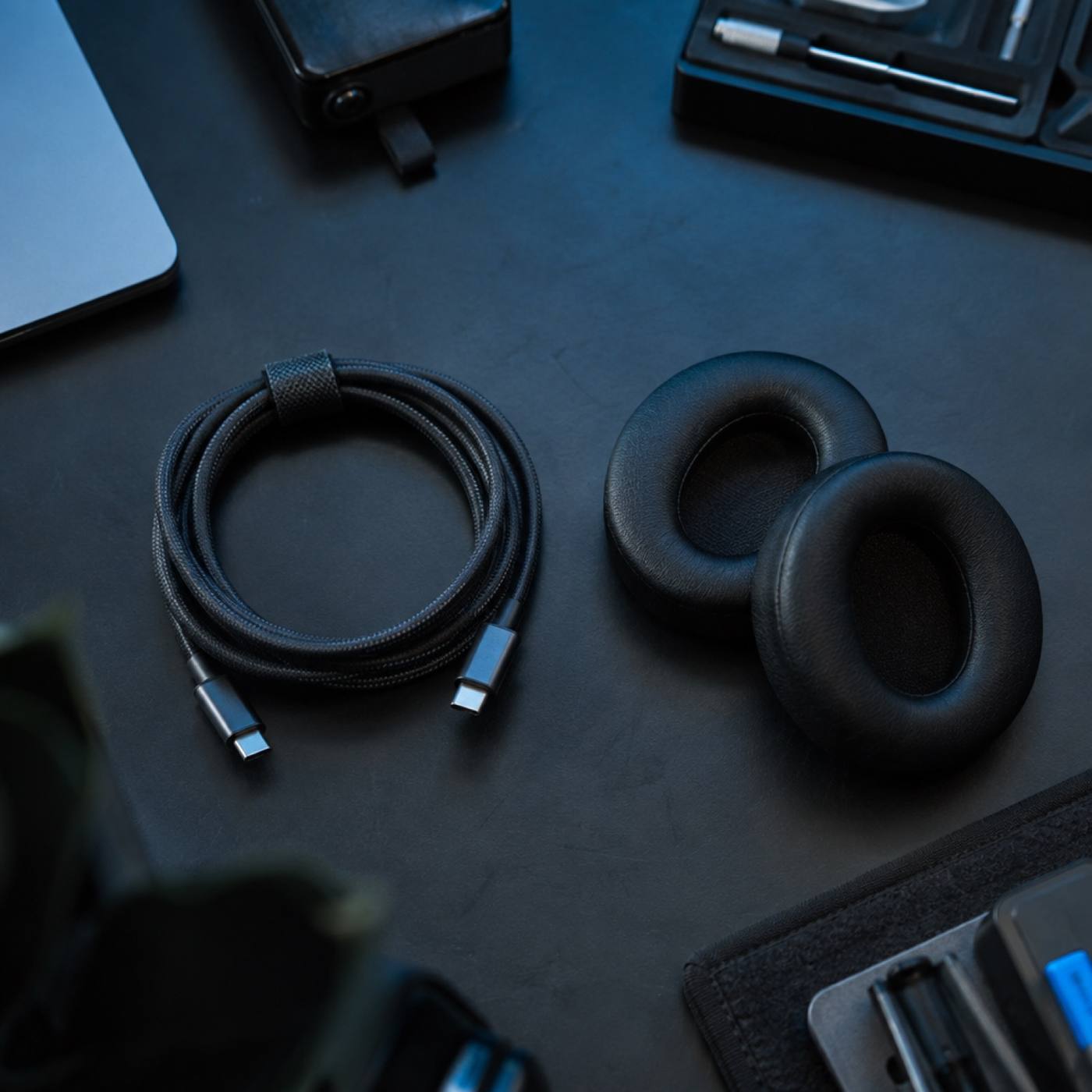
Braided USB-C cables coiled beside a pair of replacement ear pads on a dark bench
Cables coiled, pads ready

Build the kit

Three steps and you are set.

Start with the pair, then add the two things that decide how long it lasts. If you listen off a laptop all day, the third step is the one that changes the most.

  1. Step 01

    Pick your pair

    Over-ear for the desk and the long session. Wireless earbuds for everything that happens away from it.

  2. Step 02

    Add the spares

    A set of replacement ear pads and a second braided USB-C cable. Small parts, and they are what keep a pair in service.

  3. Step 03

    Add the amp

    If the laptop or the phone is doing the driving, the portable DAC amp goes between it and the headphones.

Fathom Audio · Austin, Texas