The launch board
A project tracker for a first build, set up so you can rename the columns and start adding work the same day.
- Project tracker with named fields
- Saved views for this week and next
- First automation already wired
No-code educator · Seattle, Washington
Devon Cho Builds teaches no-code three ways: self-paced courses you finish on your own schedule, live cohort bootcamps that meet week by week, and templates that are already assembled and ready to duplicate.

Three self-paced tracks that take you from the individual pieces to a finished build.
Four weeks of live sessions, building your own project alongside the group.
Boards with the fields, views and first automation already in place. Duplicate and start.
Courses
Each track is self-paced. Watch a lesson, open the same tool, and assemble the thing yourself before you move on to the next one.
Start with the pieces themselves: tables, fields, views, and the first screens you assemble by hand.
Tables · Fields · Views · First screens
Connect the pieces: filters, formulas, permissions, and the automations that move work along without you.
Filters · Formulas · Permissions · Automations
Close the loop: publish it, tidy the edges, and leave behind something your team can actually run.
Publishing · Documentation · Handoff
Cohort bootcamps
A cohort meets once a week. You bring the idea, the group keeps the pace, and every week you leave with one more piece finished.
Choose the stack, sketch the data, and get one screen live before the week is out.
Wire the pieces together and build the first working version of your tool.
Add the logic, permissions and small details that make a build usable by other people.
Package it, write it down, and put it where your team can reach it.

Sessions are live working time: the build is on screen, the group is in the room, and questions get answered as they come up.
Join the next cohortTemplates
Each template arrives with the fields named, the views set, and the first automation wired — so you start with structure instead of a blank page.
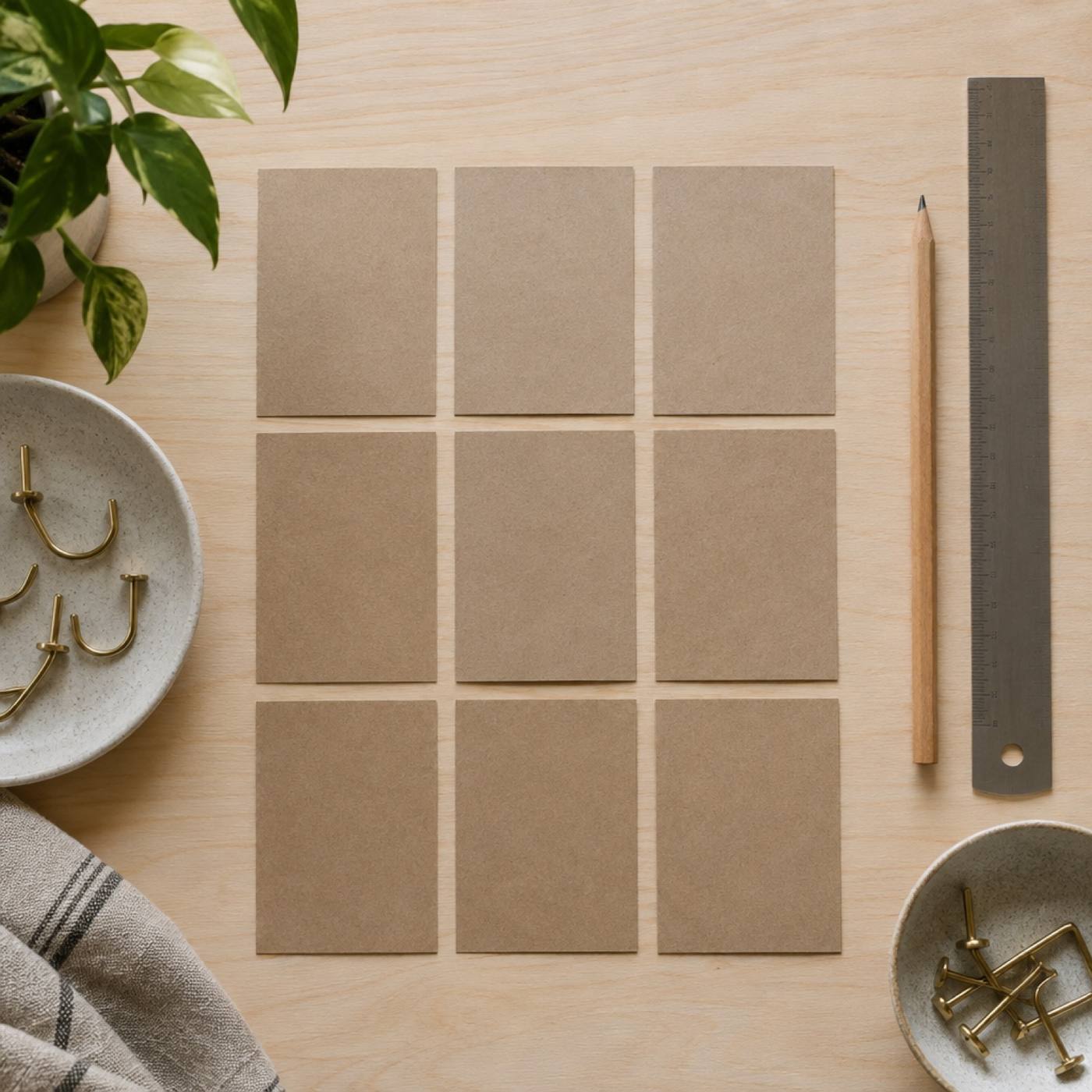
A project tracker for a first build, set up so you can rename the columns and start adding work the same day.
The pieces of a client job in one place, from the first form submission to the notes that make the handoff clean.
Plan, script and publish a tutorial series without losing the thread between one build and the next.
Consulting
For teams with a real build and a real deadline. I work alongside your people, in your tools and your account, until the thing stands on its own.
A walk through what you're building and where the pieces stop lining up.
A build order: what gets assembled first, what waits, and what you don't need at all.
Working sessions with your team, on the actual tool, until the pieces click together.
Notes, walkthroughs and a board your team can run without me in the room.
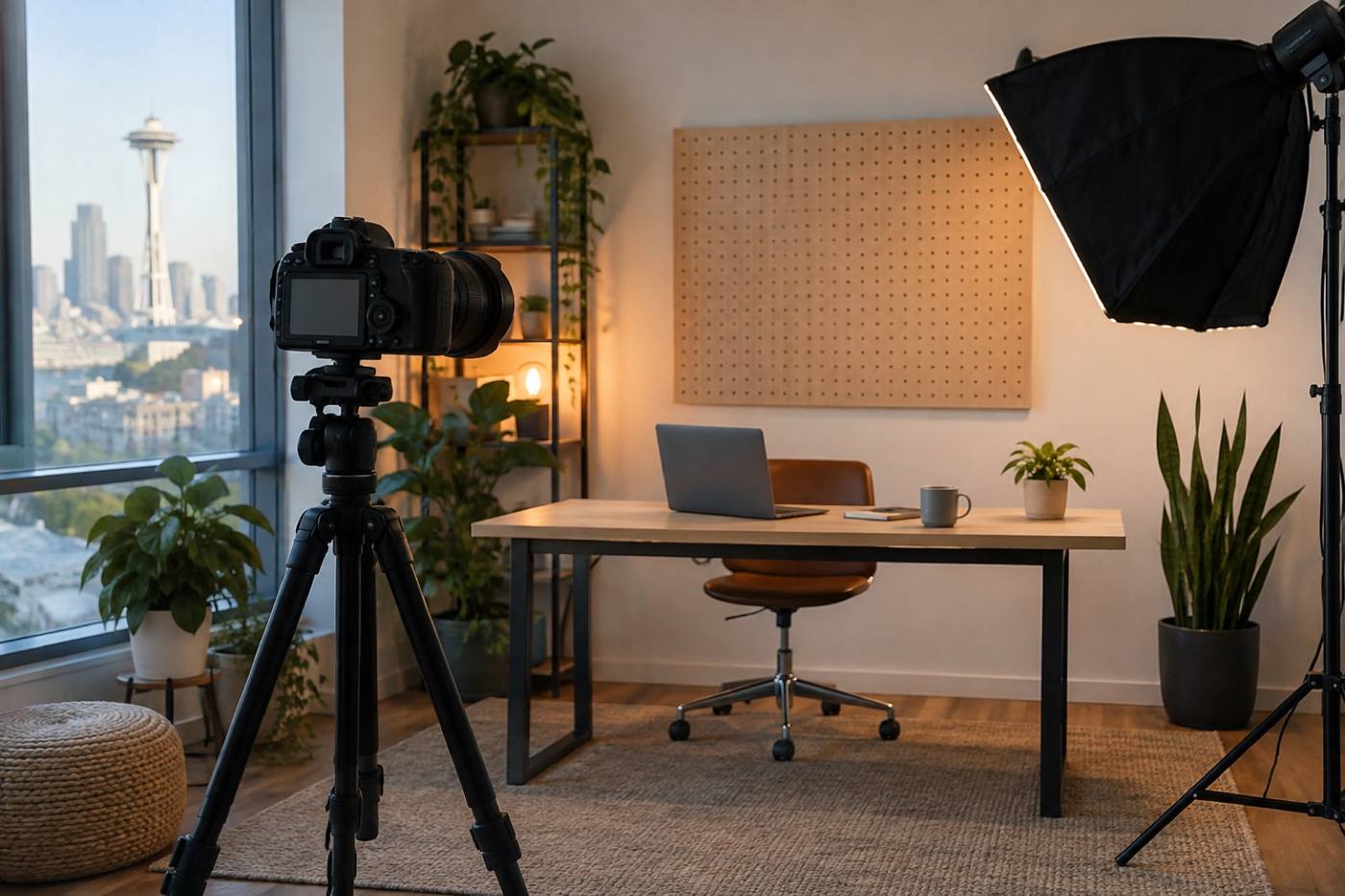
Tutorials start to finish — the same pieces you would assemble in a course, at your own pace and on your own bench.