The ribbon road
Five stops between the first call and the final check.
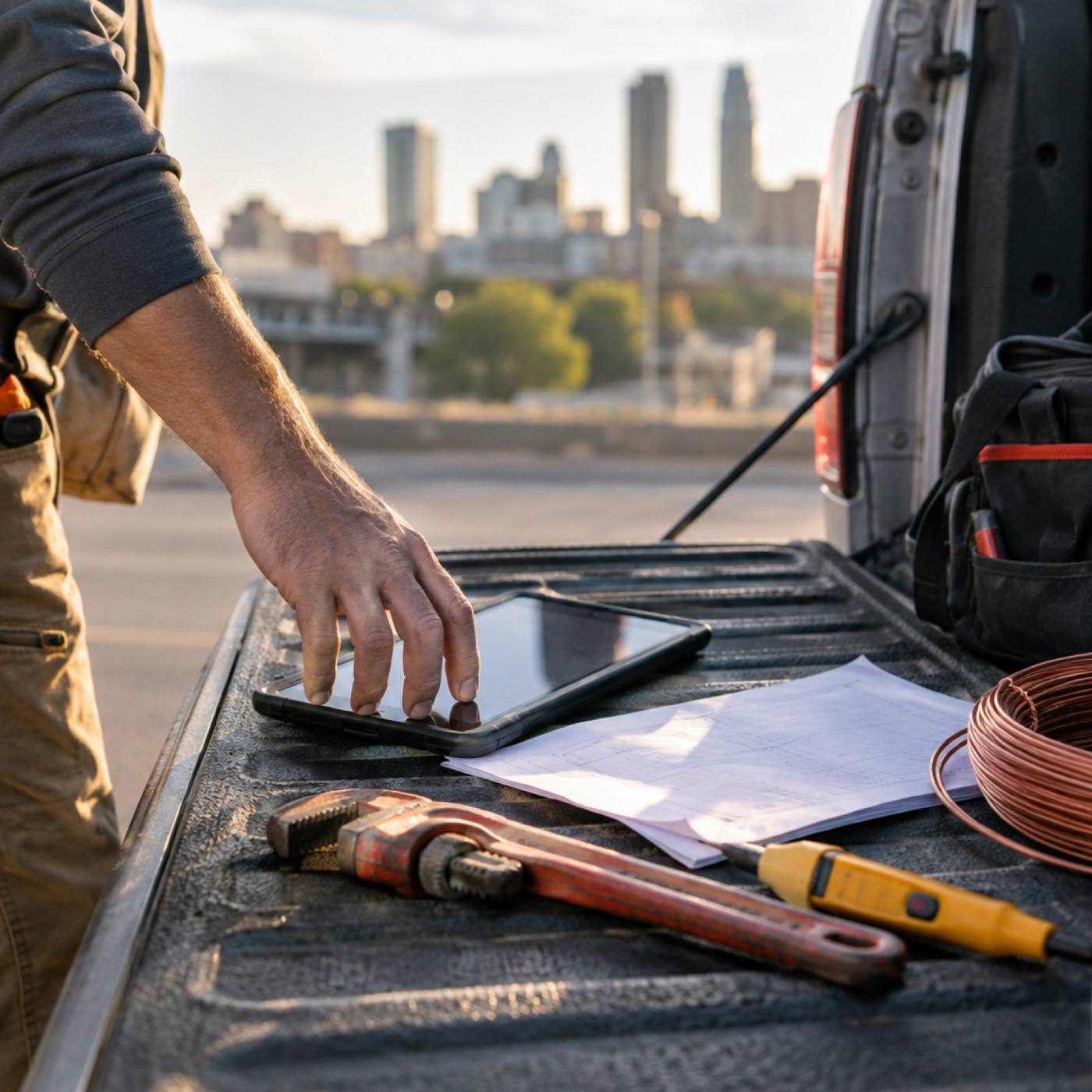
The ribbon runs through your whole day: a job lands on the board, a route carries it out, the technician works from the van, the customer hears from you, and the invoice follows the job home. Crewpath keeps that line unbroken.
Stop 01 — Dispatch scheduling
One board for the whole day.
Calls come in, jobs land on the day board, and the right technician picks them up. The office and the trucks are always looking at the same schedule, so nothing waits on a callback.

Stop 02 — Route optimization
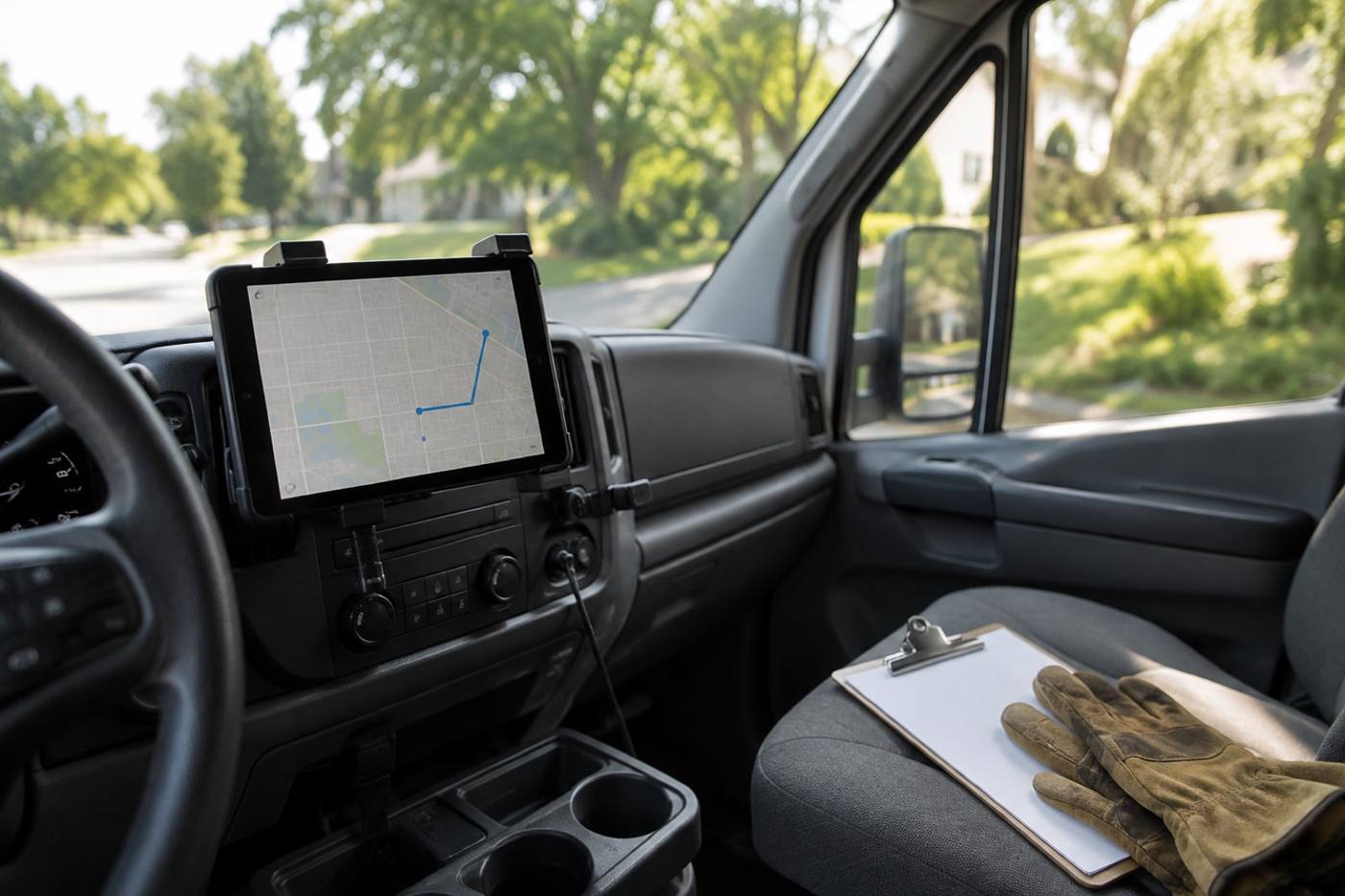
The shortest distance between two jobs is a smarter route.
Crewpath orders the stops, accounts for drive time, and rebuilds the line when a job runs long or a call comes in urgent. Your crews spend the day working instead of backtracking across town.
Stop 03 — Technician mobile app
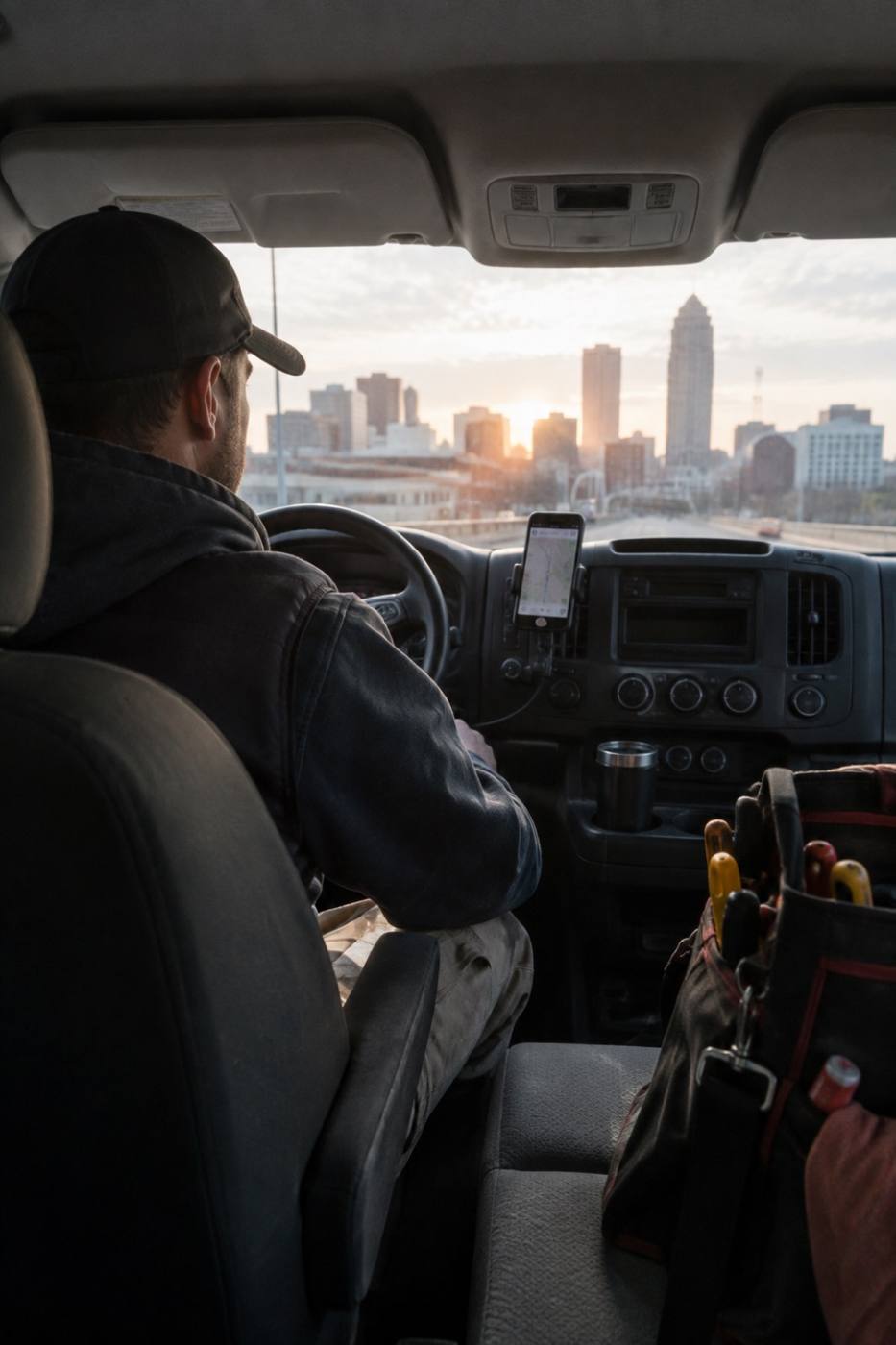
The van becomes the office.
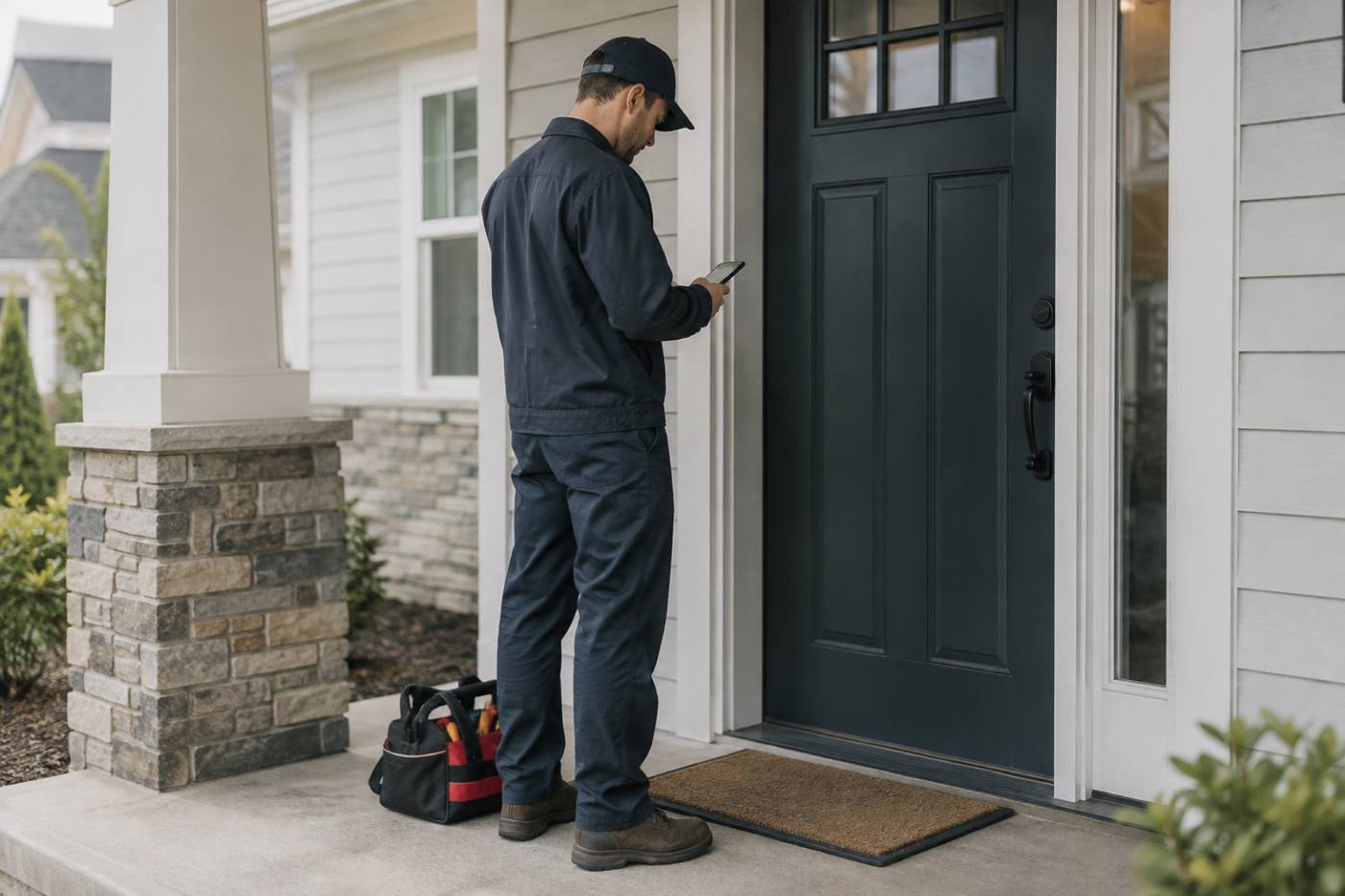
Technicians open the day on their phone: the next stop, the address, the history on the unit, and the notes they need. They mark the job done in the driveway, and the office sees it before the truck pulls away.
Stop 04 — Customer text updates
Customers wait at the curb, not on hold.
When the route moves, the customer hears about it in a text: on the way, running a little late, done and here's the summary. Plain messages, sent from the same job your crew is working.
Stop 05 — Invoicing & QuickBooks sync
The paperwork finishes before the van does.
The job closes, the invoice builds itself from the work that was actually done, and it syncs straight into QuickBooks. No shoebox, no Sunday-night re-typing.