CairnworkSystems Start a 14-day workspace
01 Cairnwork Systems Provo, Utah

Every jobsite needs a coordinate everyone agrees on.

Cairnwork keeps submittals, plan versions, RFIs and the field record on one set of lines — so the trailer and the deck are reading the same drawing.

Free for 14 days
Two project managers in hard hats reviewing an open plan set on a pickup tailgate at a jobsite in low morning light
Plat no. 1 — Cairnwork Systems Submittals · Plan versions · RFIs · Field record Provo, Utah
02 Modules Submittals · Plans · RFIs · Partners

Four modules. One record.

Each module keeps to its own boundary and reports to the same coordinates — the same submittal, the same revision, the same open question.

A Submittals

Submittal routing

Route every submittal by trade and spec section, with one reviewer list and one current version attached. Reviewers see only what they own, nothing gets reviewed twice by accident, and nothing sits still waiting for a chase.

One version, one reviewer list

B Drawings

Plan version compare

Put two revisions on the same lines and see exactly what moved between them, before anyone frames from the wrong sheet.

Differences, not opinions

C Questions

RFI tracking

Every open question gets a number, an owner and a status the whole team can read from the trailer or the deck.

Nothing waits in an inbox

D Partners

Trade partner portal

Each trade partner signs in to the submittals, revisions and questions that belong to them, and nothing outside their line. The boundary holds without a phone call to explain it.

Set the boundary once

03 Field & records Capture · Export

The record, captured and carried out.

Two parts of the record that usually get rebuilt by hand: what the field sends in, and what the owner asks for at closeout.

Rolled drawing sets and a laptop on a jobsite trailer table during a record review
Field record, reviewed at the trailer
Audit export

Close out with one file.

When the record has to leave the building it leaves as a single dated file: submittals, revisions, RFIs and their full history, assembled from the same coordinates everything else used.

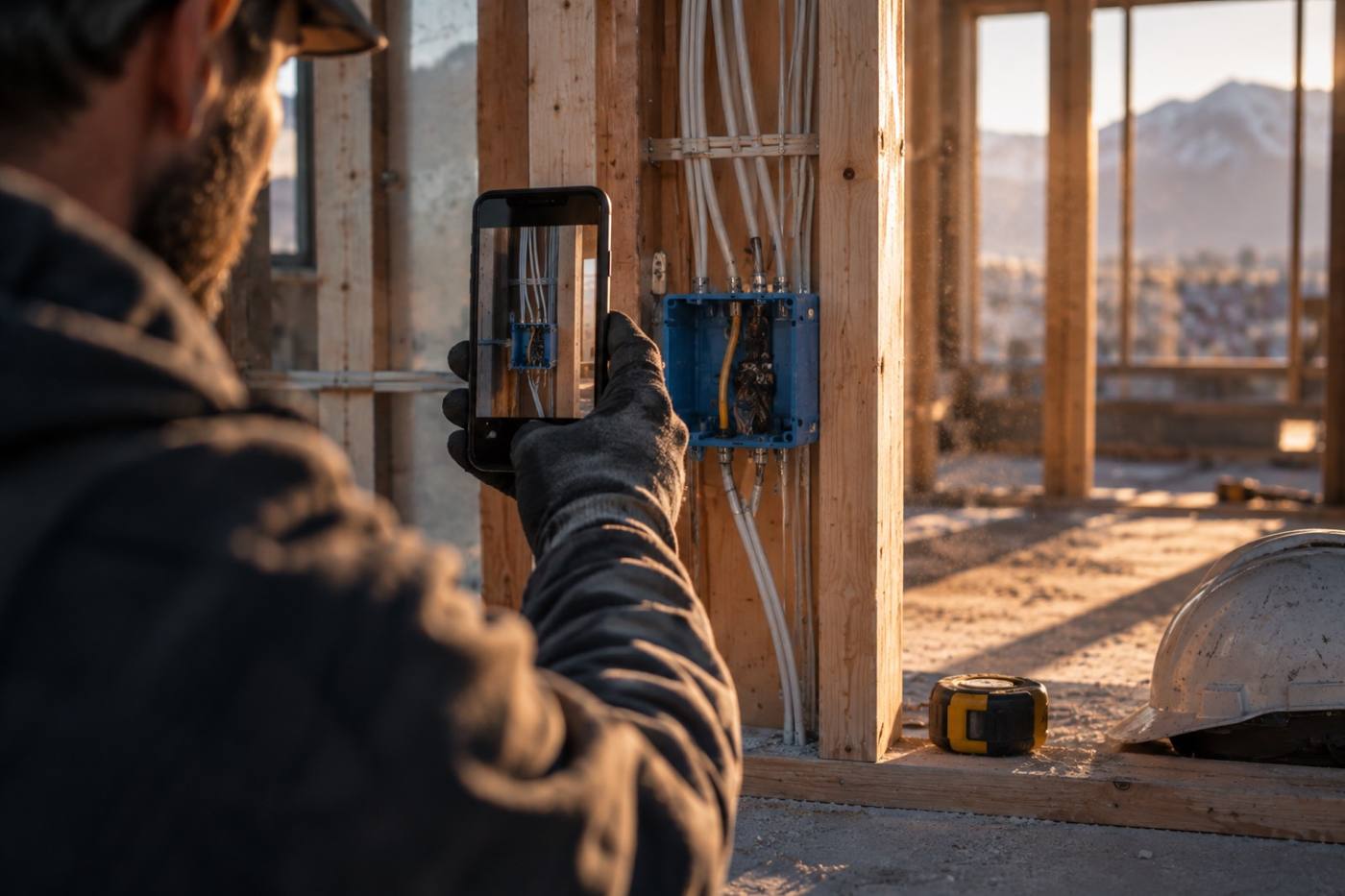
A gloved hand capturing a photo of rough-in work inside a stud wall
Captured from where the work is
Mobile field capture

Capture from the deck, not the desk.

A photo, a note and a location land on the same record the office is already reading — same order, same number, no re-typing at the end of the day.

04 How it starts Four steps

Set the boundary, then build on it.

Most teams are routing submittals and tracking RFIs inside an afternoon. After that the bookkeeping stays where it belongs — on the record, not in someone's inbox.

  1. 01

    Open a workspace

    Start a free 14-day workspace and add your first project. The first submittal can go out the same day.

  2. 02

    Set the boundary

    Add your trade partners and decide what each one sees. The portal holds that line from then on.

  3. 03

    Route the work

    Submittals, plan revisions and RFIs move along the lines you drew — one version of each, one place to look.

  4. 04

    Carry out the record

    Export the audit file when the job closes, or capture from the field as you go and it lands on the same record.

A field engineer in high-visibility gear checking a tablet against steel framing at low sun
Capture in the field, on the same record
05 Start free 14 days

Put the whole job on one set of lines.

Cairnwork Systems is built in Provo, Utah for teams that have to agree on where things are — every submittal, every plan revision, every RFI and the field record, held at one coordinate from the trailer to the deck.

Free for 14 days · Provo, Utah
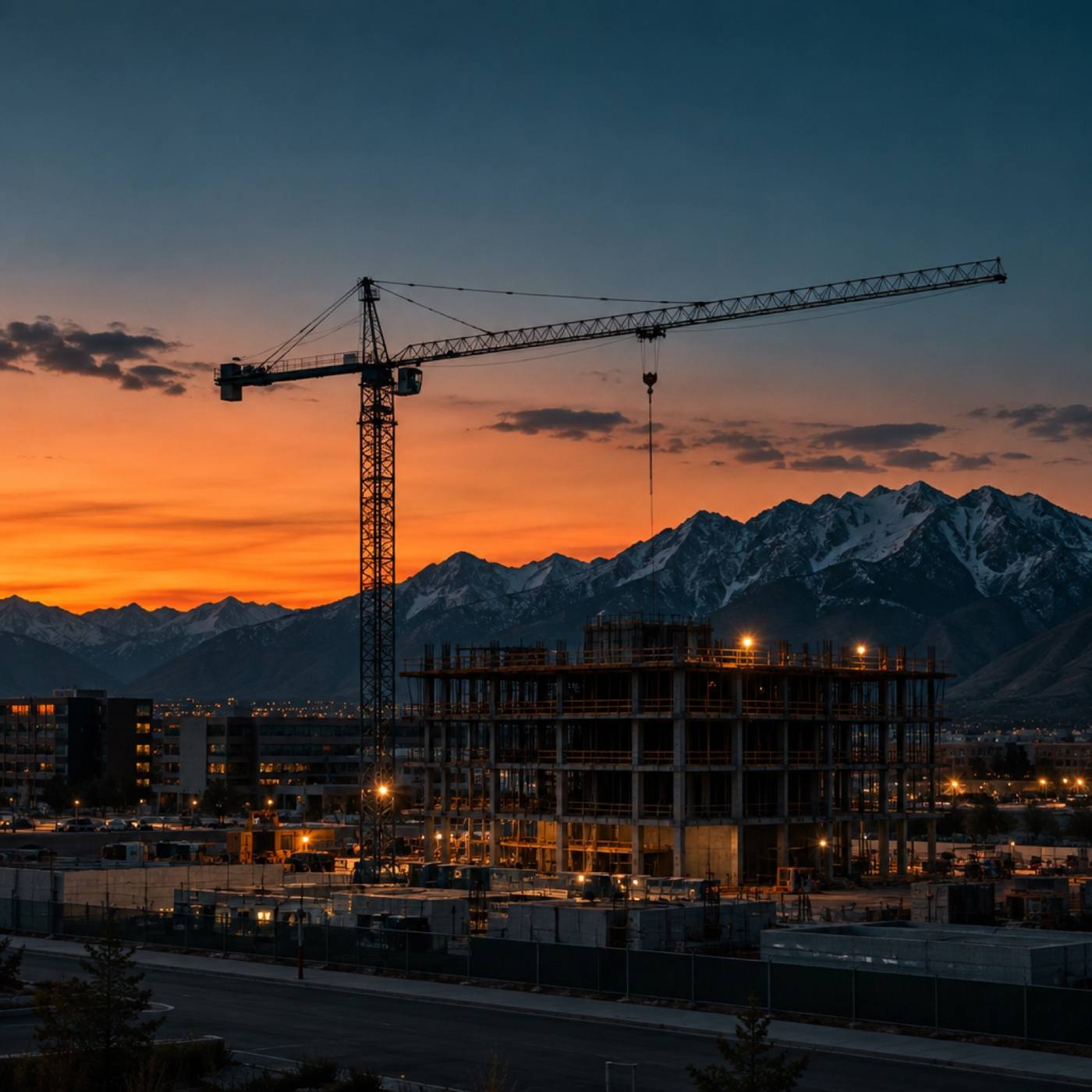
A jobsite at dusk with structural framing and the Wasatch range behind it
End of day, valley floor